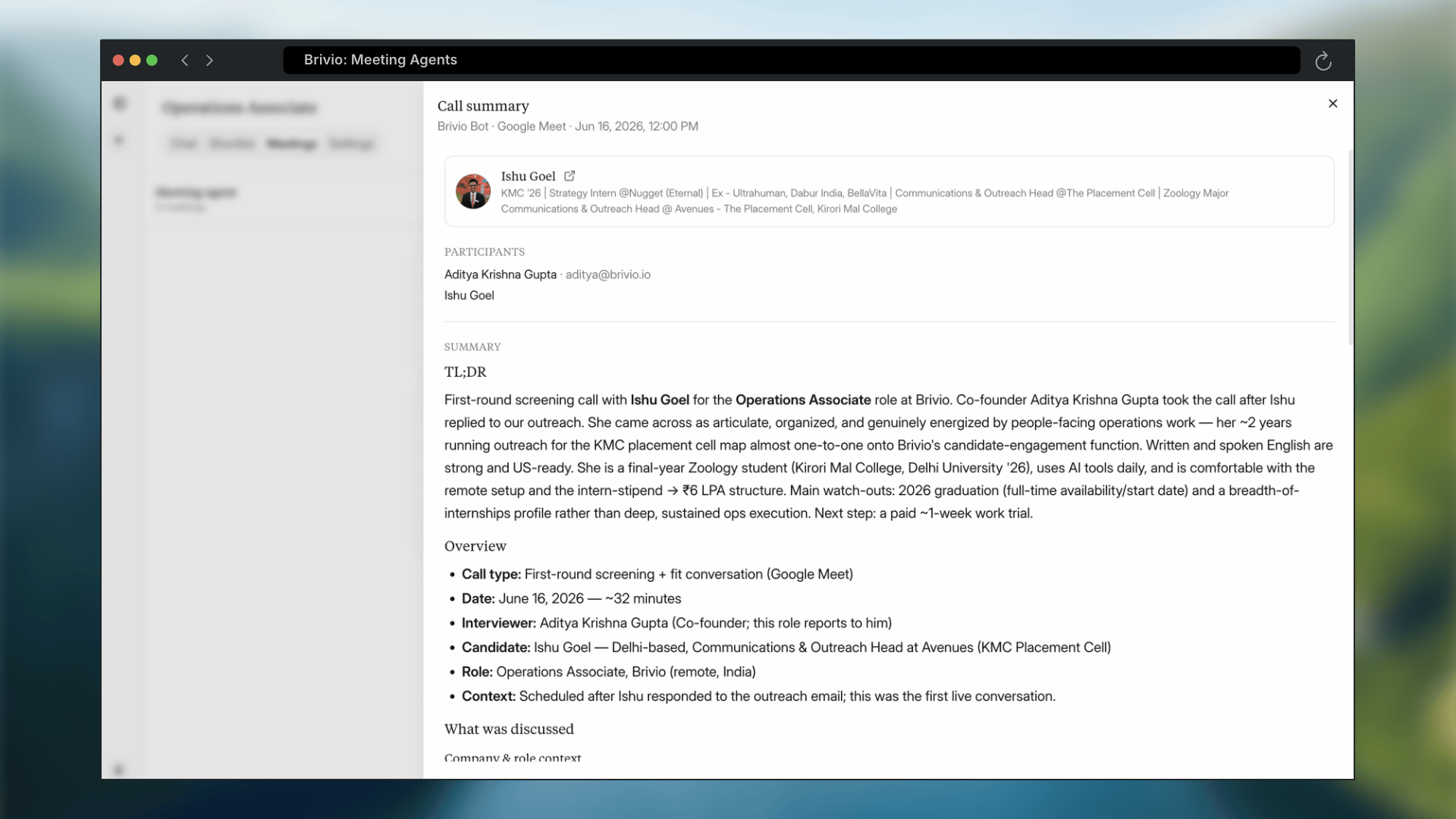
Brivio’s Meeting Agents learn what you’re looking for by sitting in on your interviews. The agent joins a call, follows along as you talk to a candidate, and uses what it hears to sharpen your shortlists going forward.
1

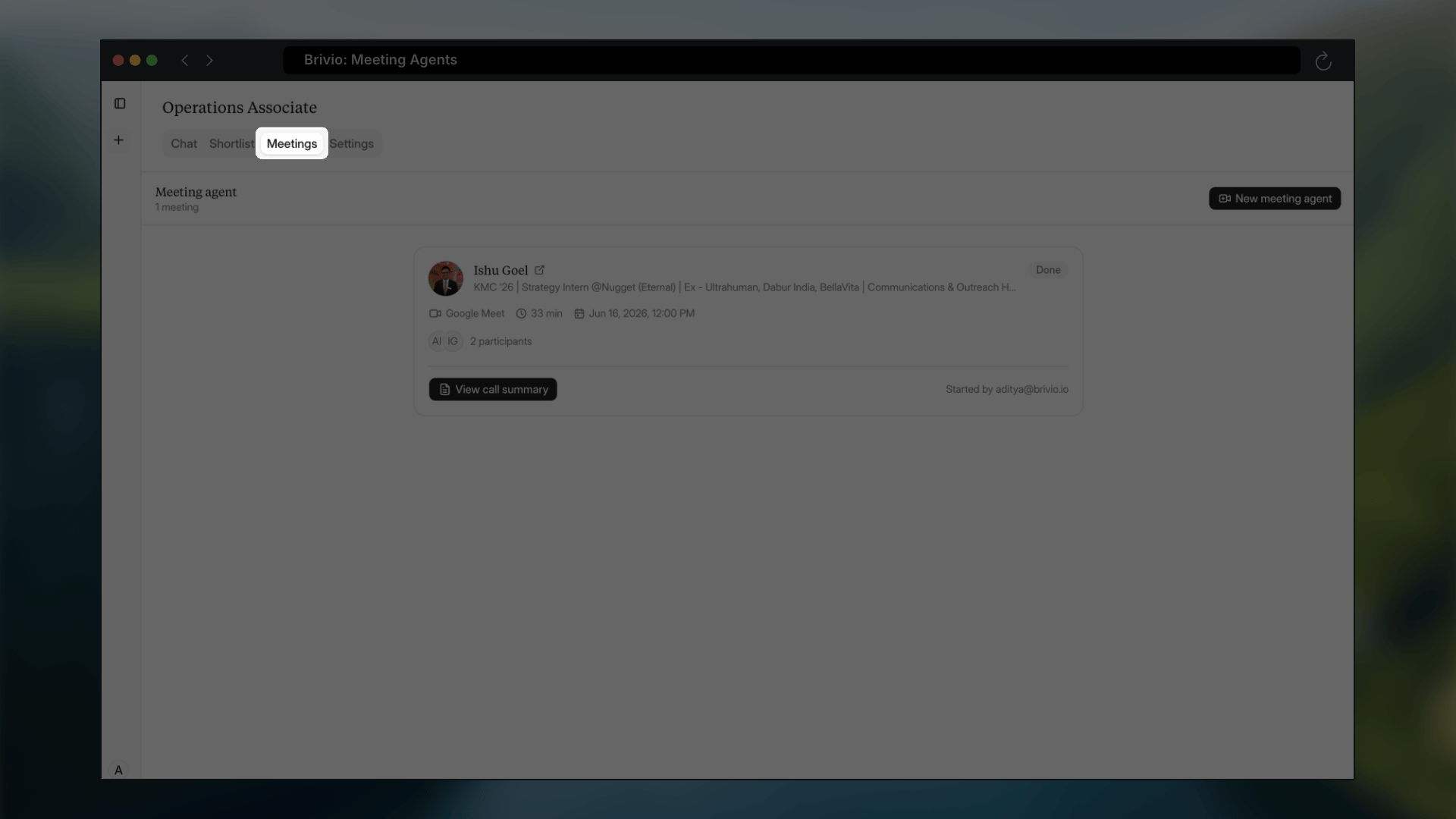
Open the Meetings tab in Brivio
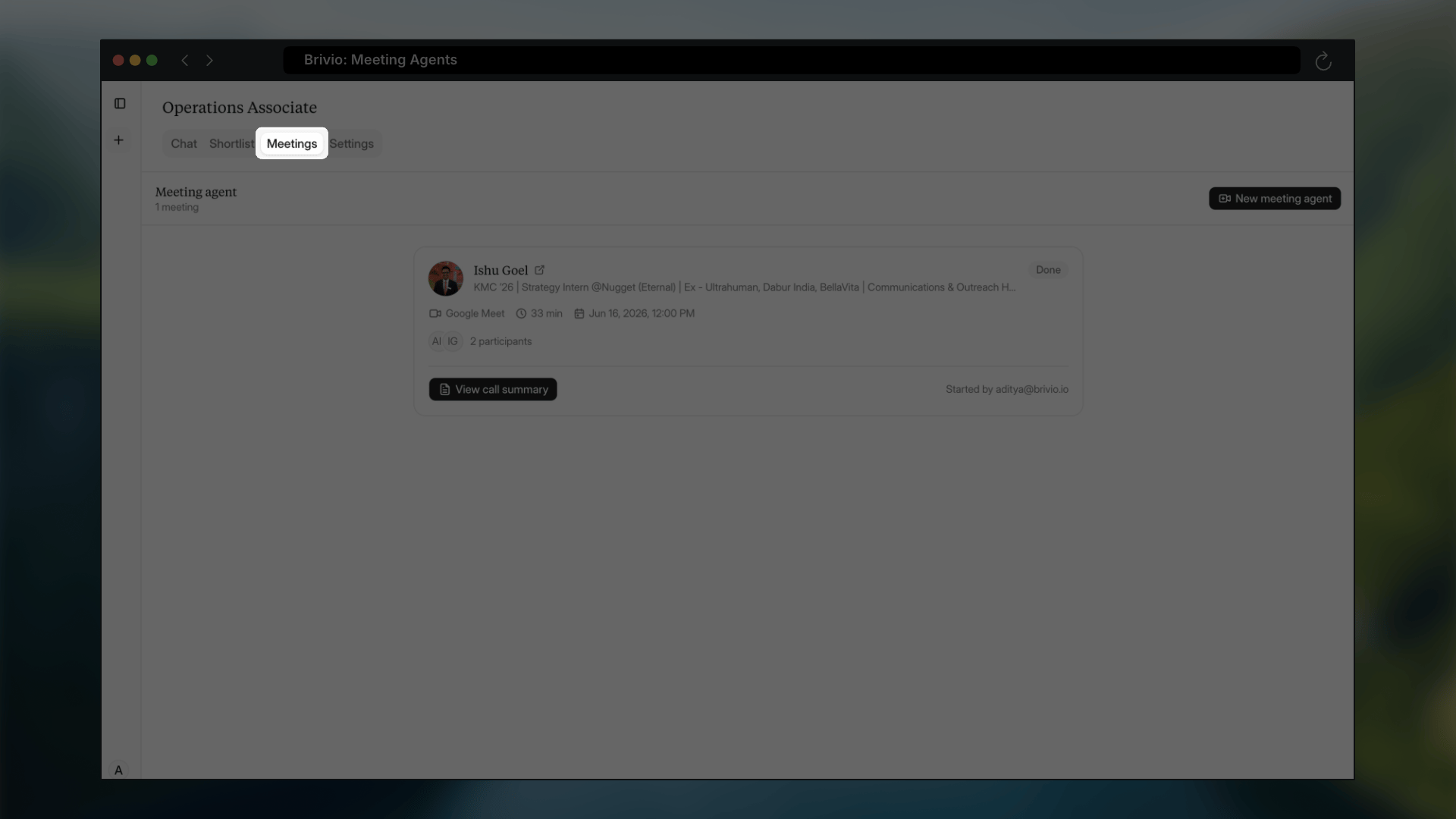
Meeting Agents overview
2

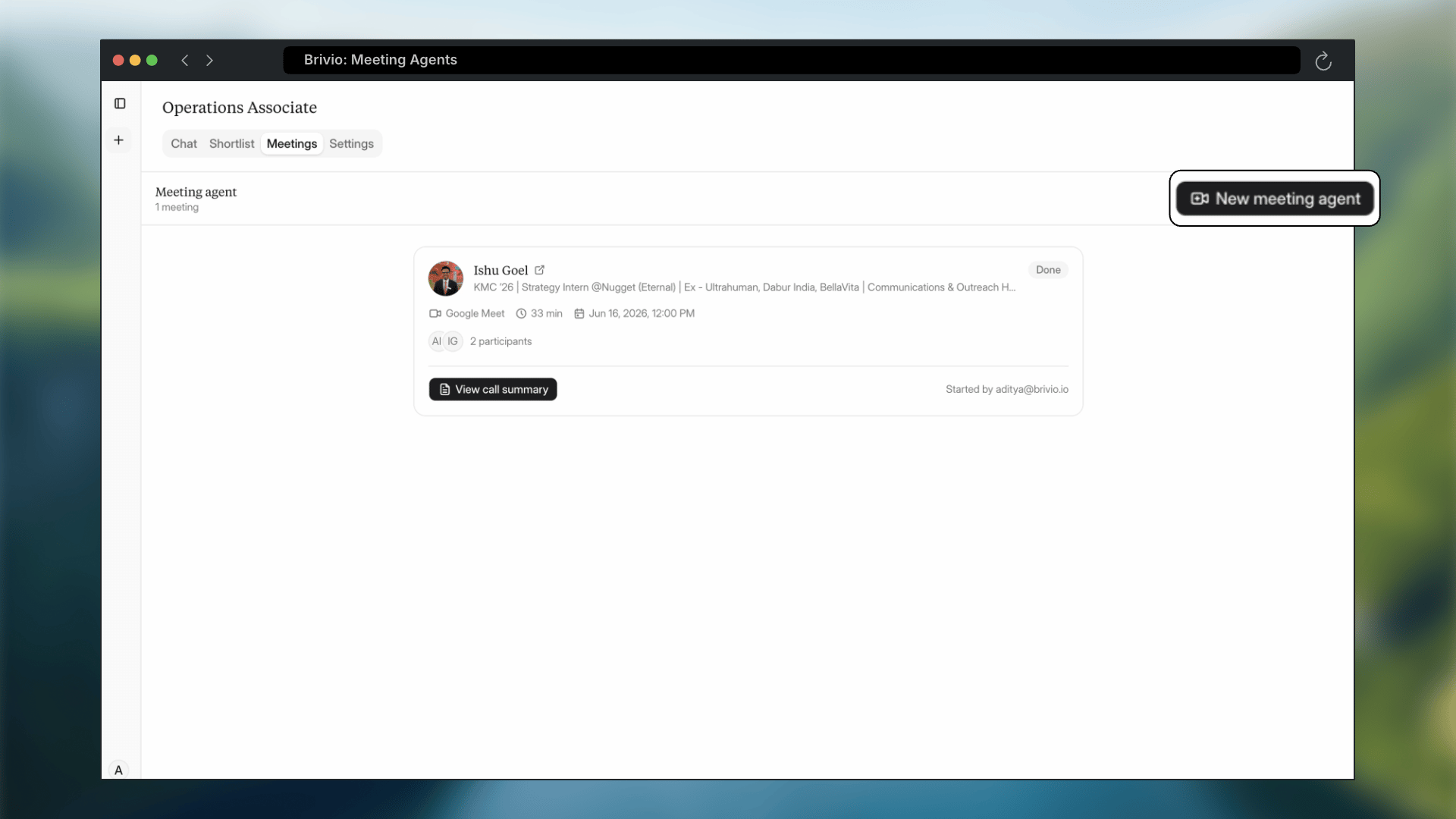
Click to create a new meeting agent
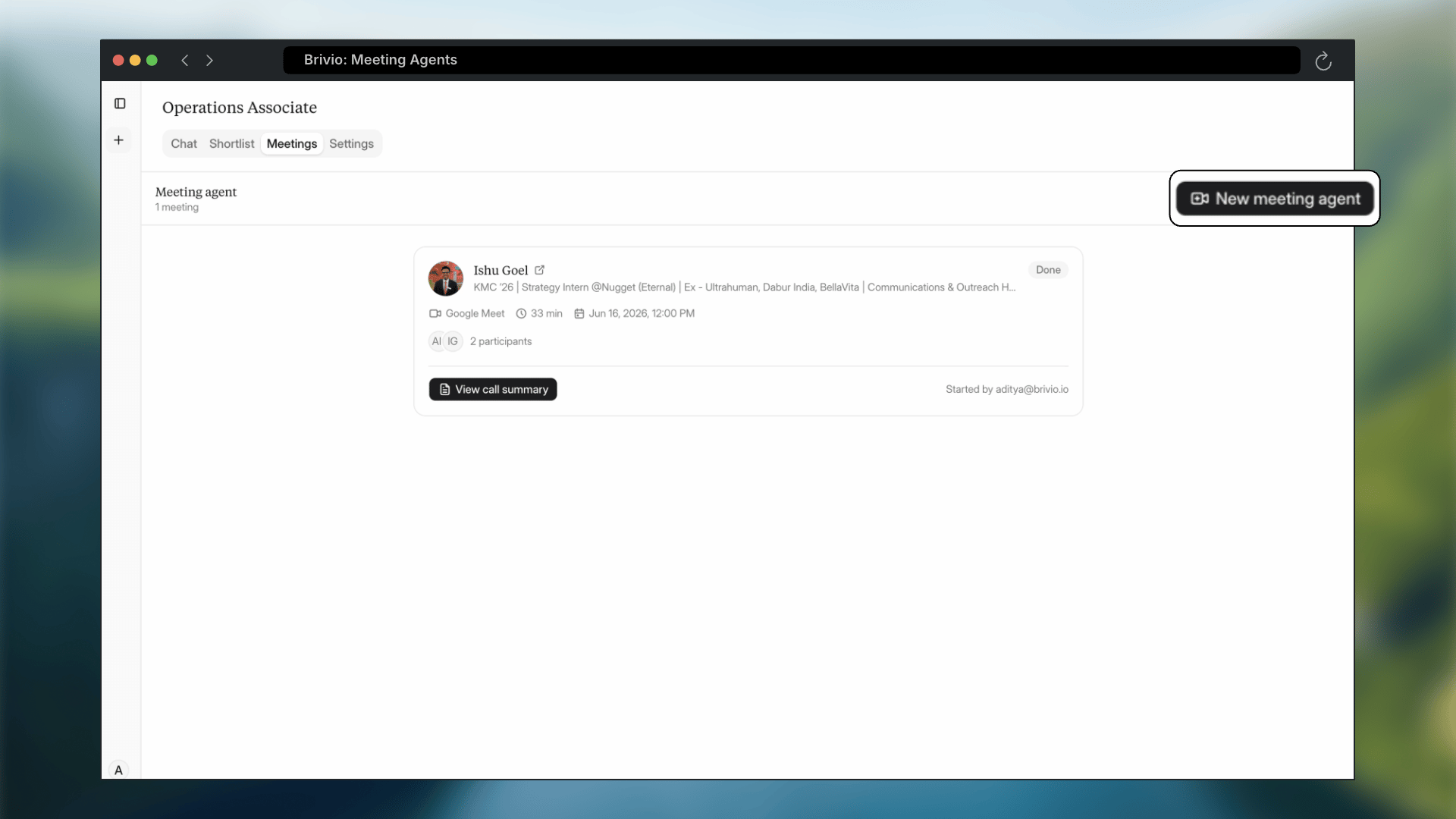
Create a new meeting agent
3

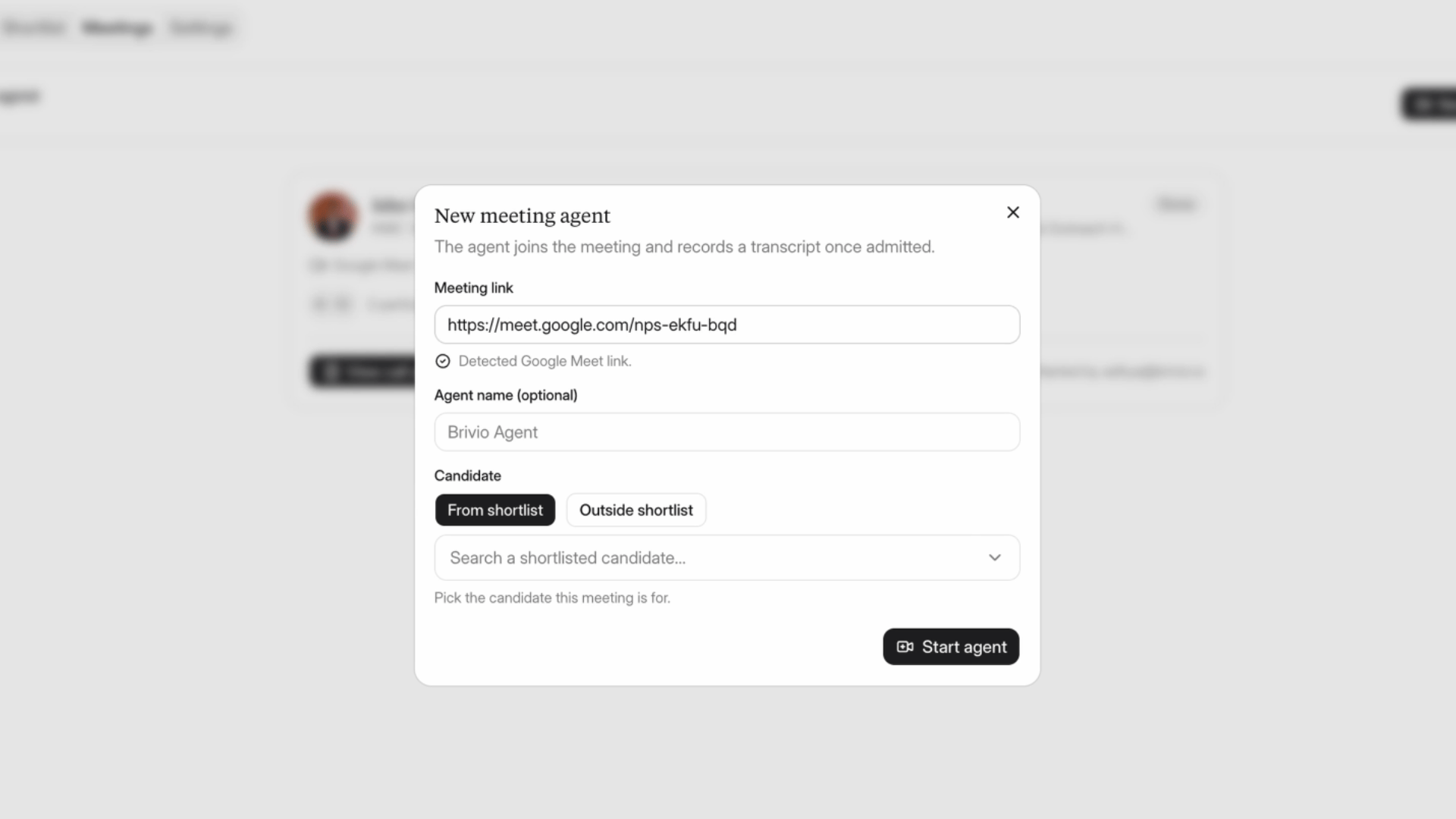
Paste the link to the meeting you're running

Brivio works with all major meeting platforms like Google Meet, Zoom & MS Teams.
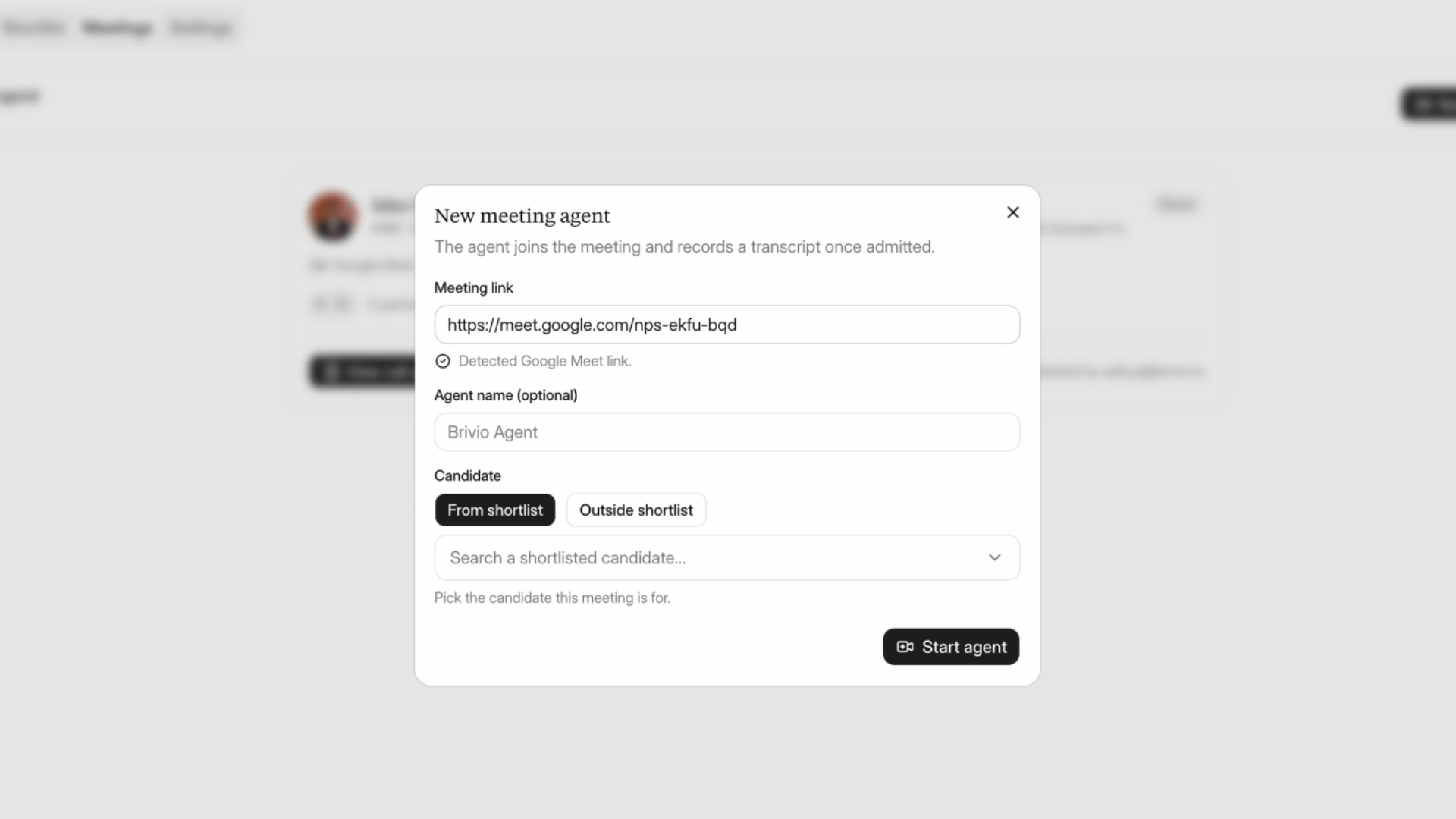
Paste meeting link
4

Name the agent, or leave it blank to use the default

Paste meeting link
5

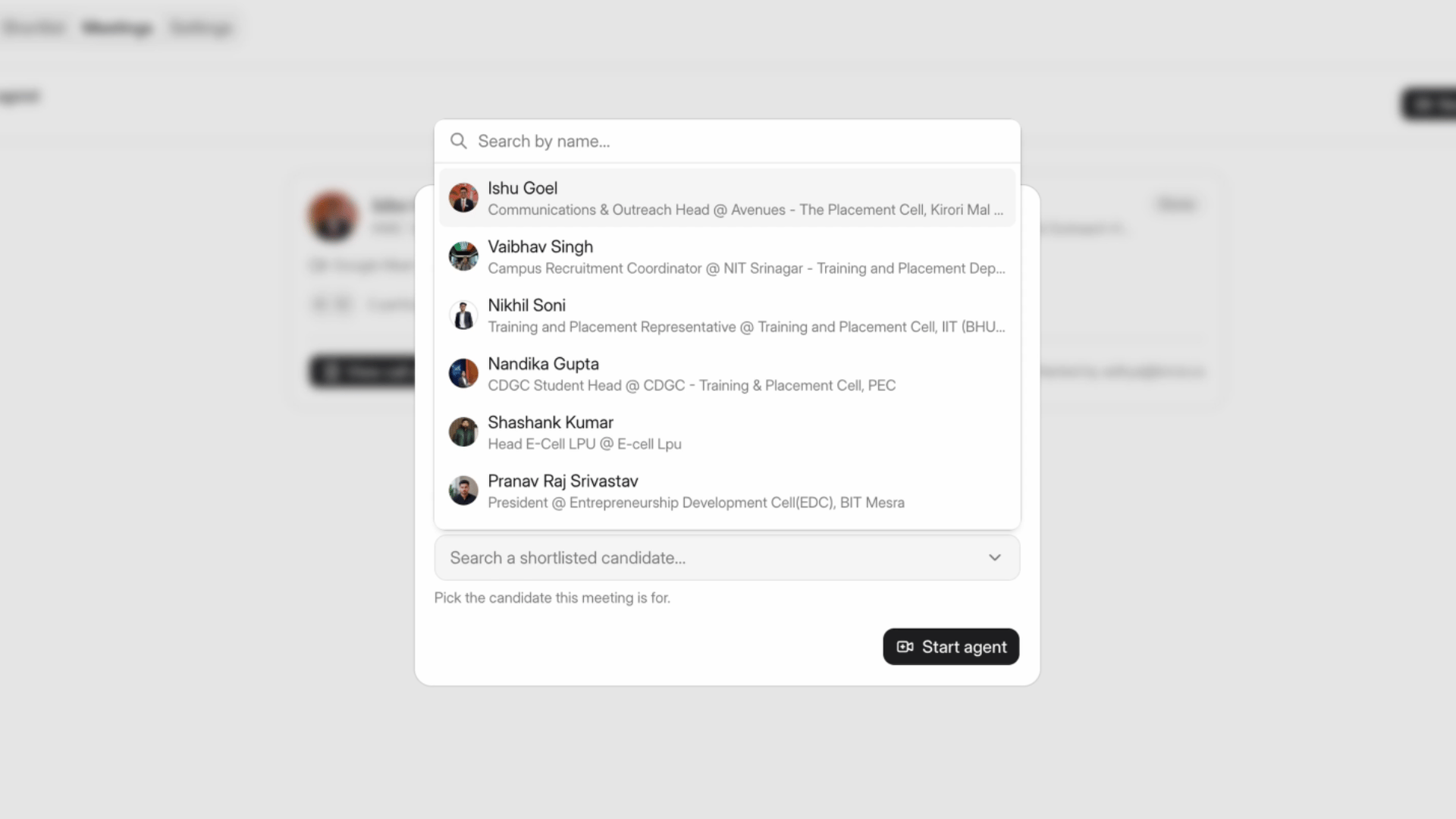
Select the candidate from your Brivio shortlist
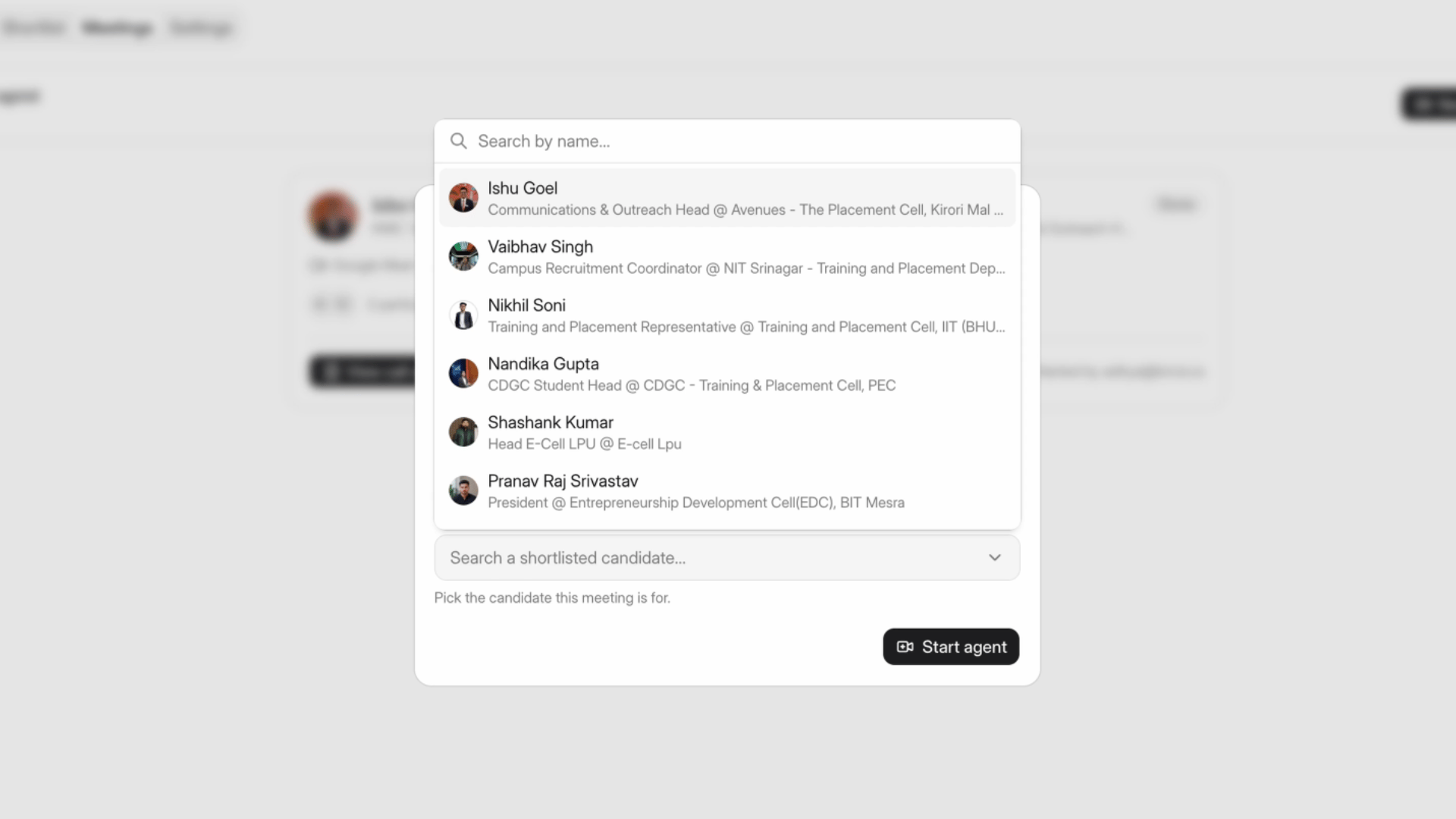
Select candidate
If you’re meeting someone who isn’t in Brivio yet, paste their LinkedIn profile instead. The agent will still use the conversation to learn what a strong candidate looks like for you.
6

Click Start Agent

The agent joins the call, listens in, and tracks where the candidate is strong and where they have gaps as the conversation happens.
7

Open your dashboard after the call
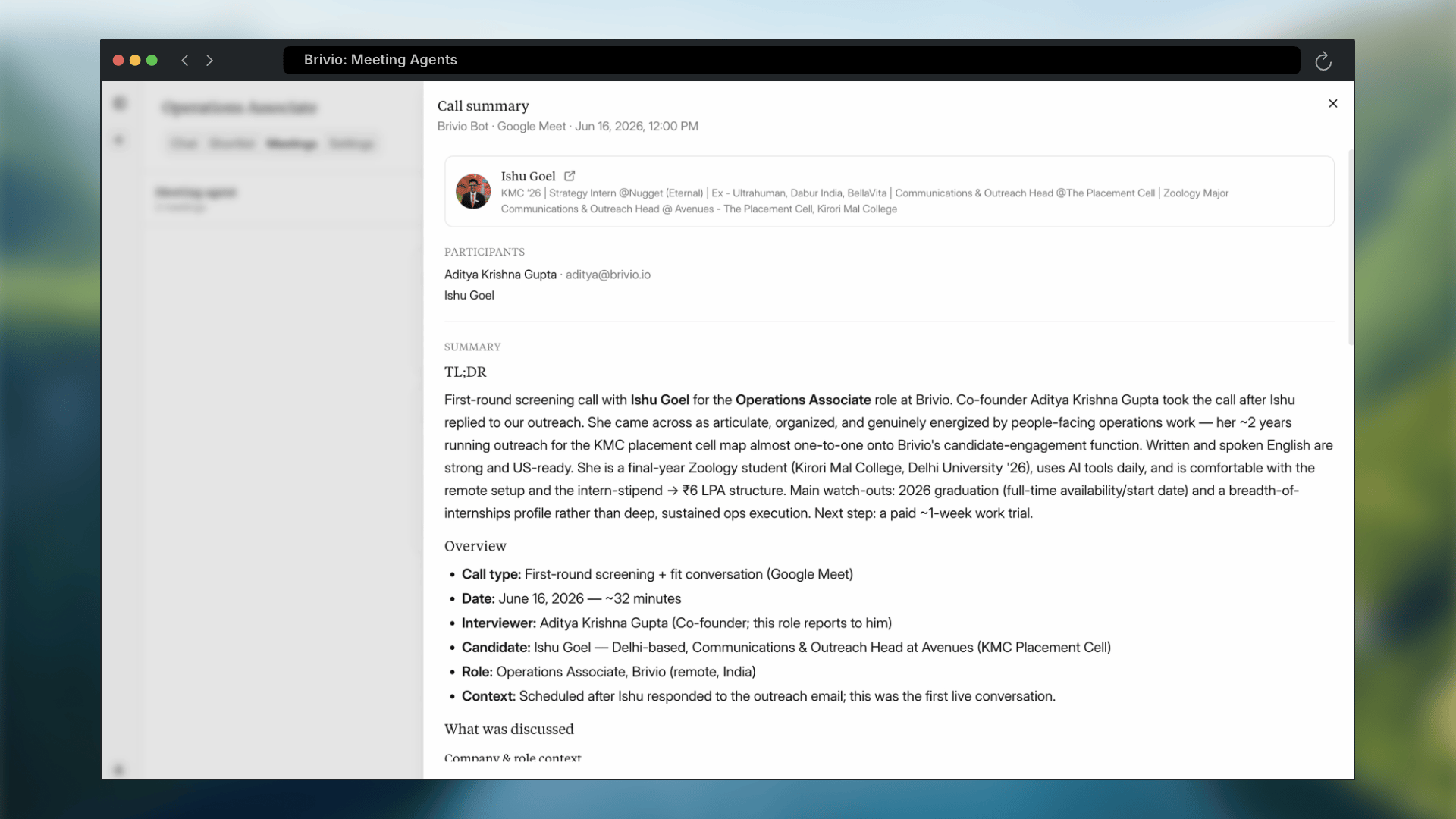
Dashboard summary
You’ll find a full summary and recommended next steps. From there, Brivio’s chat agent uses what it picked up to help you evaluate the candidate and tune future searches, whether you want more of the same profile or something different.
Setting up a meeting agent takes under a minute, and every call you run brings Brivio’s recommendations closer to what you’re actually hiring for.